Subscribe
AI Coding Tool Recommendations: Cursor AI, Windsurf, Cline
Last modified

As software development becomes more and more complex, AI coding tools are becoming a powerful tool for improving work efficiency for all developers, from beginners to experts. In this article, we will introduce three tools: Cursor AI , Windsurf , and Cline , and see which users we can recommend each tool to.
Summary of Key Features
•
Cursor AI : Provides advanced code generation and debugging capabilities and demonstrates excellent contextual understanding capabilities for large-scale projects.
•
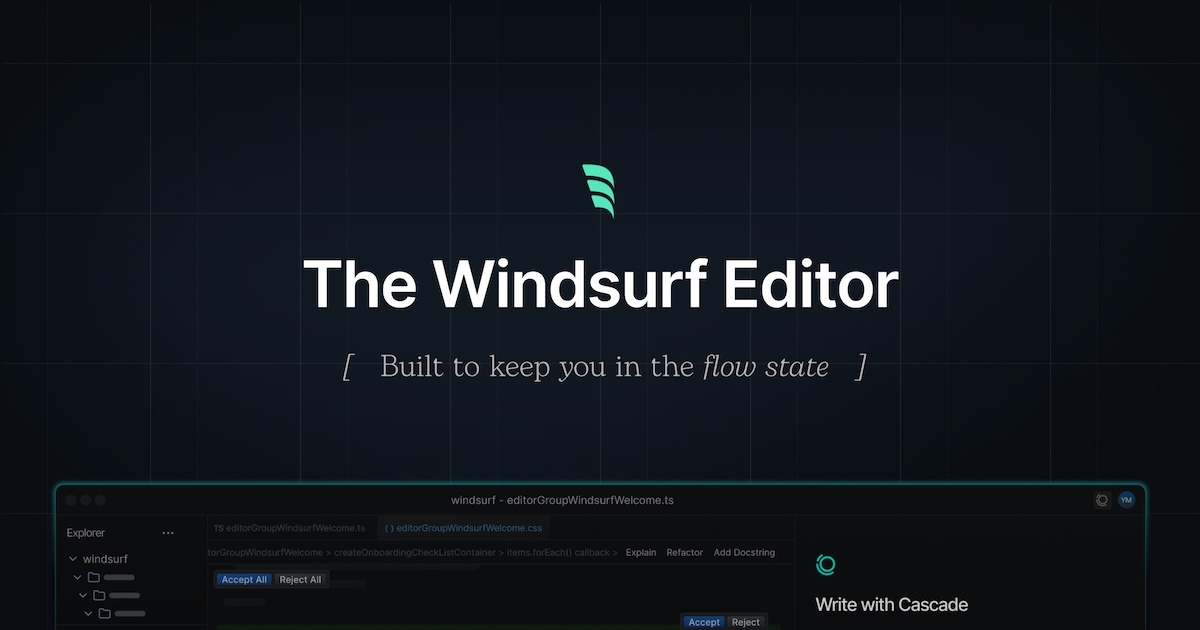
Windsurf : A collaboration-focused tool with great value for money, perfect for beginners and team projects.
•
Cline : Combines with various AI models and provides flexible customization options, making it suitable for professionals.
Cursor AI: A tool to boost your productivity with advanced features
Who is it suitable for?
Cursor is ideal for developers working on large projects or professionals who need to manage complex codebases. It uses an interface based on VS Code, so it will feel familiar to existing IDE users.
Key Advantages
•
Contextual understanding : Cursor analyzes the entire codebase to understand existing patterns and reflect them when writing new code. It can maintain consistency even in large projects.
•
Composer features : Large-scale code refactoring via natural language commands, saving time and effort.
•
Multiple modes : Ask mode to ask simple questions, Edit mode to review code changes, and Agent mode to perform automated tasks.
Disadvantage
•
Cost : If you use it frequently, the costs can add up quickly.
•
Complex UI : The interface may feel a bit complicated for beginners, and some have pointed out that it has a lot of unnecessary features.
•
Security Concerns : The architecture of uploading local code to the cloud may raise data security concerns for some organizations.

Windsurf: A tool optimized for beginners and team collaboration
Who is it suitable for?
Windsurf is ideal for developers working on small projects or collaborating in teams, especially those with limited budgets.
Key Advantages
•
Value for money : Available for an affordable subscription fee of $15 per month, and a free plan is also available.
•
Real-time collaboration : Great for code reviews and real-time editing.
•
Cascade feature : Automate repetitive tasks to speed up development and optimize workflow.
Disadvantage
•
Lack of advanced features : It lacks advanced contextual understanding capabilities like Cursor or large-scale project management capabilities.
•
Small user community : Windsurf has a relatively small user base, which may result in limited community support.
Cline: A flexible coding agent for professionals
Who is it suitable for?
Cline is ideal for professionals who require a high level of customization when combined with a variety of AI models, especially when dealing with complex projects or need settings tailored to specific requirements.
Key Advantages
•
Support for multiple models : Provides users with the flexibility to choose and work with their preferred AI model.
•
Plan & Execute Mode : You can work systematically by making work plans in Plan mode and executing them in Act mode.
•
Customization options : Integrate your desired models and services using API keys and tokens.
Disadvantage
•
High cost : Since you are consuming a lot of tokens per session, your costs can add up quickly.
•
Usability Issues : There have been criticisms of the transition between Plan/Act modes being awkward or being overly hasty.
•
Initial setup burden : A lot of information needs to be entered in the early stages of a project, and this can take even longer in complex codebases.
Recommended Guide
1.
Coding beginner
•
I recommend Windsurf. It's intuitive interface and low cost makes it great for learning and simple projects.
2.
Intermediate Developer
•
Cursor AI is a good choice. You can leverage its contextual understanding and automated refactoring capabilities for medium-sized projects.
3.
Expert
•
Cline can meet complex requirements with advanced user configuration and multiple model integration options.
AI coding tools should be selected based on the user's needs and environment. If the strengths of each tool are utilized well, development speed and efficiency can be greatly improved.

Subscribe to '오늘배움'
Get the latest on education trends, AI-based learning know-how, and corporate talent development insights at Learn Today. Receive useful news as we explore the future of digital learning together.
